MarketMind AI Trading

Most people lose money trading forex. Not because they lack intelligence, but because they're making decisions in the dark — chasing signals they don't understand, trusting systems they can't see into, operating without real education.

Product Design
Web & Mobile App
Fintech · AI Trading
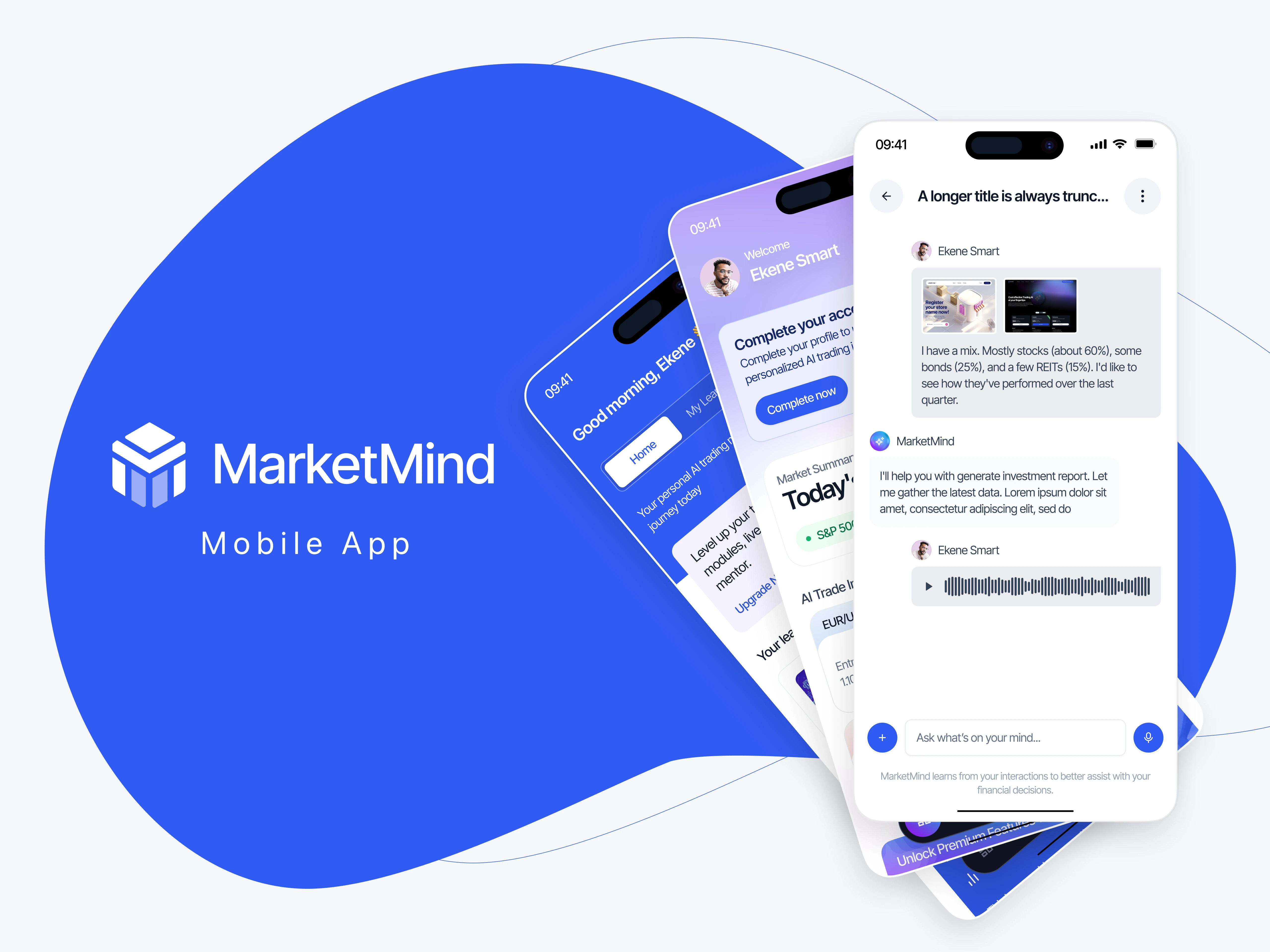
MarketMind AI trading app case study cover
01/ Why most traders lose in the dark

What MarketMind is about‍

‍

MarketMind is a dual-platform system that combines AI-powered market analysis with autonomous trading capabilities. But it's not just another trading bot...it's designed to help users understand why the AI suggests what it does, how to interpret market signals, and when to trust automation versus manual control.

‍

The platform bridges two worlds: sophisticated financial analysis for decision-making, and optional AI execution for those ready to automate. But more importantly, it embeds education throughout; so users aren't just following signals, they're learning to read markets themselves.

This project focused on making complex AI recommendations feel transparent, trustworthy, and teachable.

Role
Product Designer
Duration
12 weeks
Deliverable(s)
Complete platform UI/UX, Web & Mobile apps, Learning system design
Tools
Figma, Prototyping, User Research, AI Integration Design
02/ Why retail traders distrust AI

Understanding what traders actually struggle with

‍

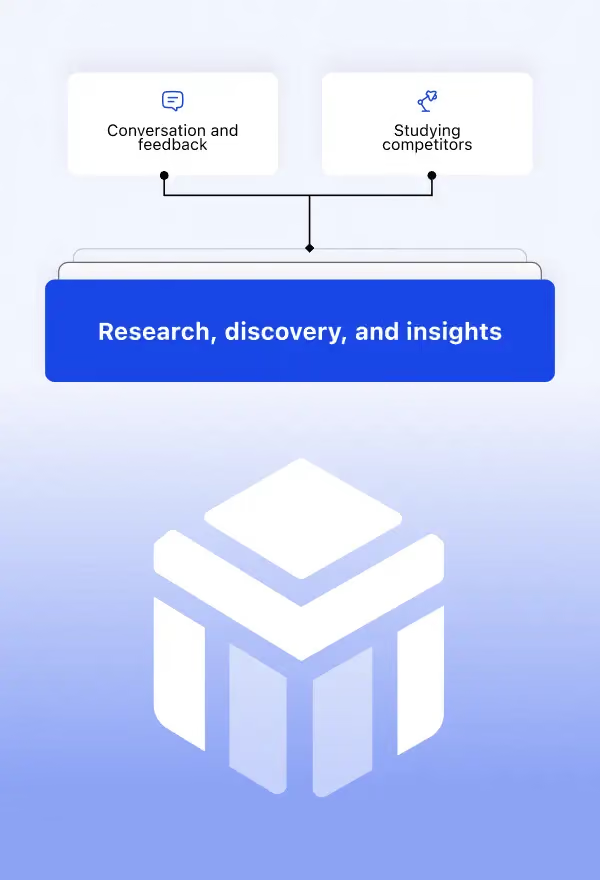
The first step was getting out of assumptions and into reality.

‍

Discovery work centered on:

  • Understanding why retail traders distrust AI trading systems
  • Identifying the gap between "signal" and "understanding"
  • Mapping how people actually learn trading (spoiler: not through dense PDFs)
  • Studying where automated trading platforms lose user confidence
  • Internal discussions on balancing power with accessibility

‍

One insight kept surfacing: traders don't want to blindly trust AI — they want to understand it well enough to know when to trust it.

The real problem wasn't making trades faster. It was making AI analysis transparent enough that users could learn from it, not just rely on it.

MarketMind AI trading app research and discovery
MarketMind AI trading app learning screens
03/ An AI that shows its work

Designing for transparency and learning

‍

The design needed to do something most AI trading platforms avoid: show its work.

Core decisions focused on:

‍

Making confidence visible
Every AI recommendation shows its confidence score, not just the trade suggestion. Users can see when the AI is certain versus when it's guessing.

‍

Building unified control
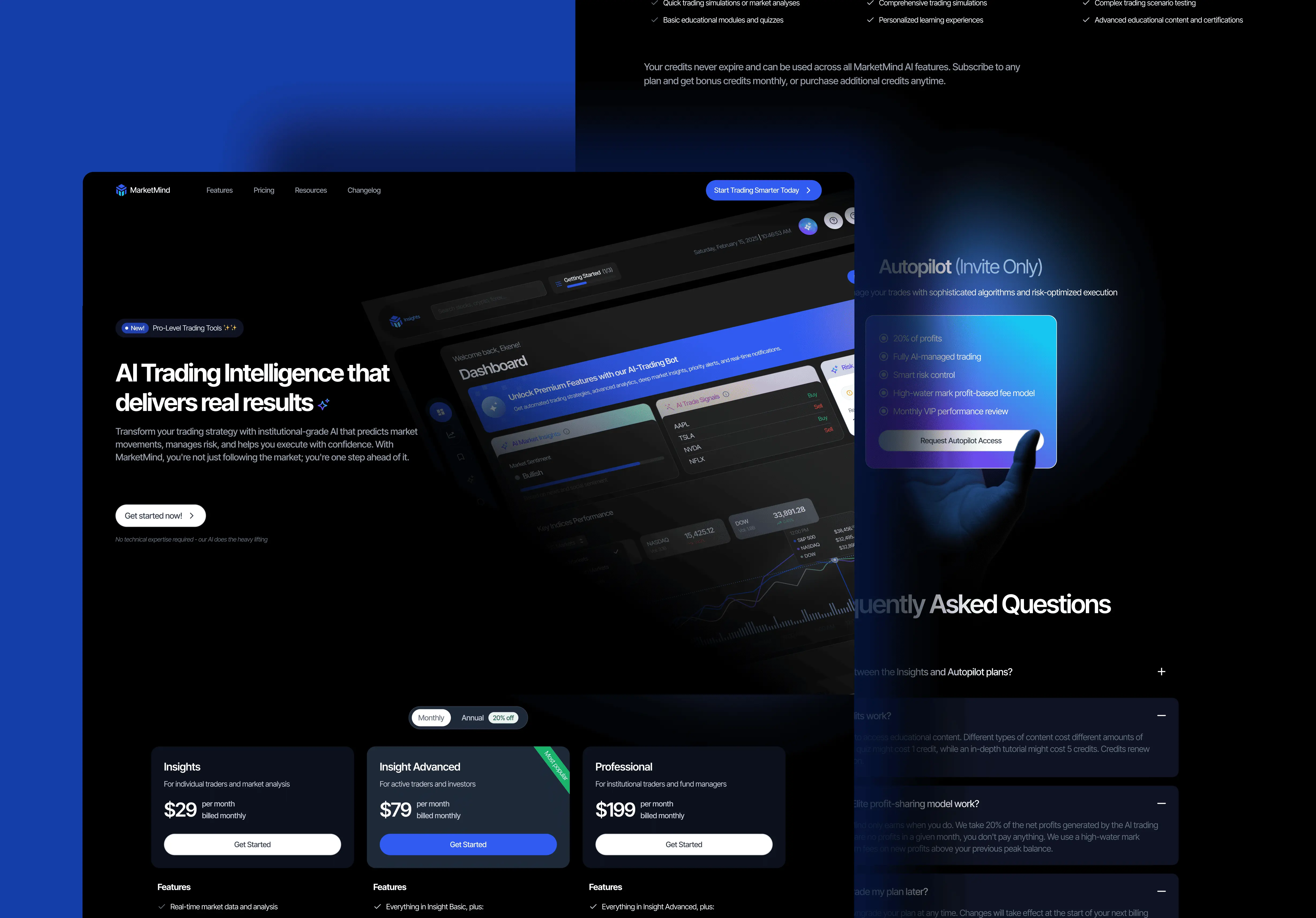
Created seamless switching between analysis-only mode and automated trading mode. Users don't jump between products — they upgrade capabilities within one experience.

‍

Embedding education everywhere
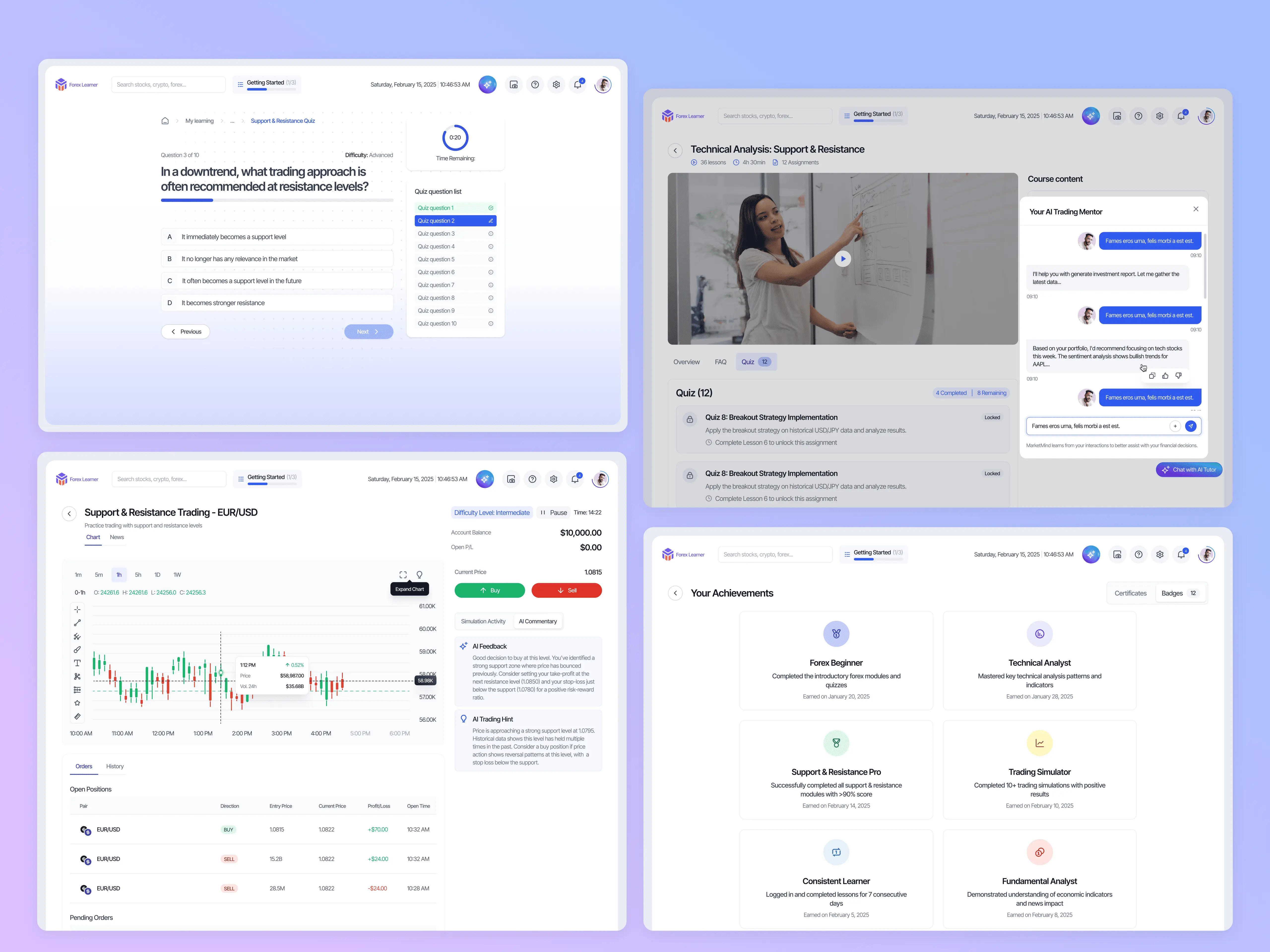
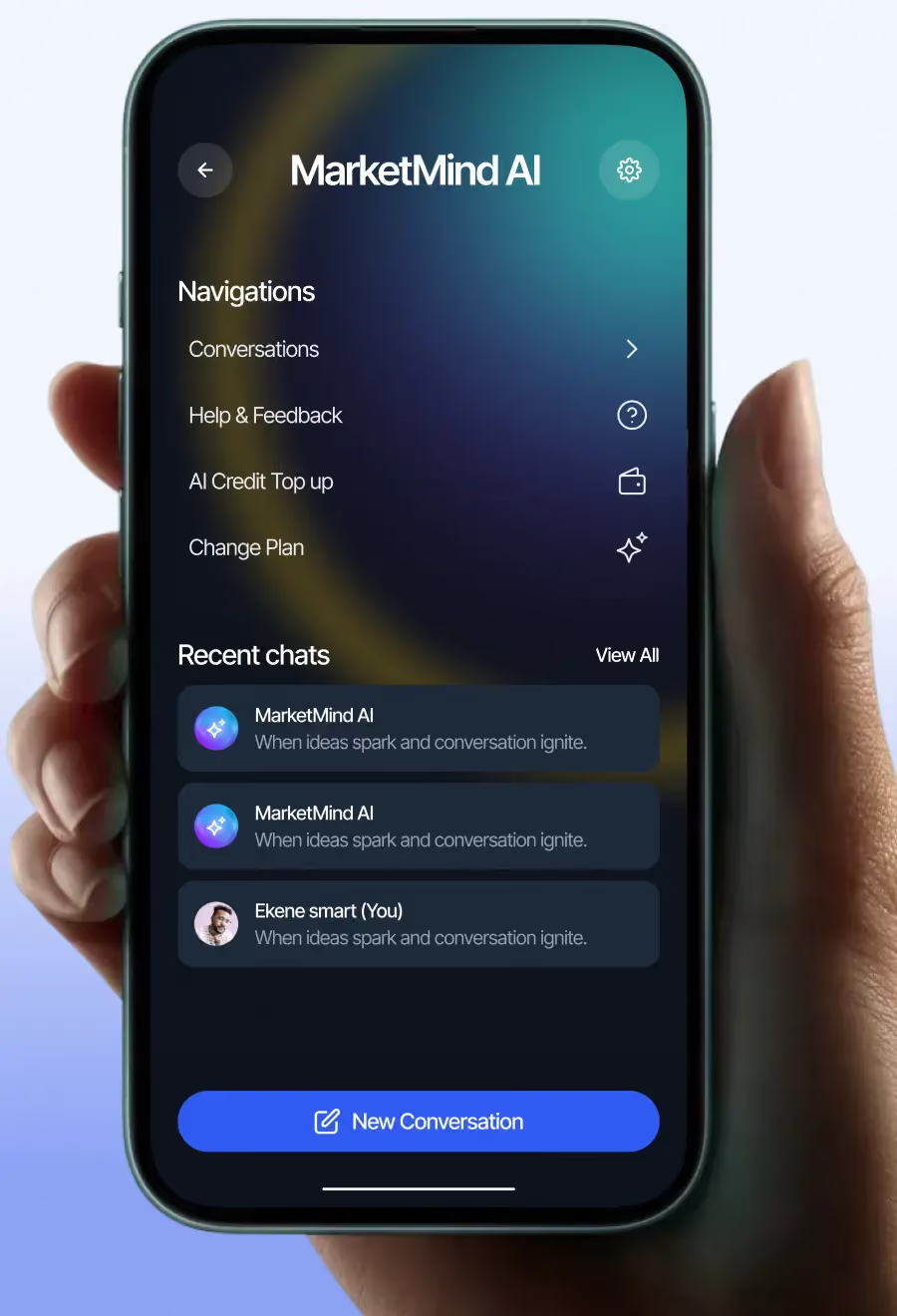
The learning system isn't separate. It lives inside the trading interface. See a term you don't understand? Highlight it. The AI tutor explains it in context.

‍

Manual override, always
Even in autopilot mode, users can pause, adjust, or cancel. The AI makes suggestions; humans make final calls.

Nothing about this design could feel like magic. AI trading works best when users understand what's happening under the hood.

‍

MarketMind AI trading app design direction
MarketMind AI trading app landing page presentation

Some of my favorite screens

MarketMind AI trading app featured screen 1

Dashboard experience

‍

Making AI recommendations readable

‍

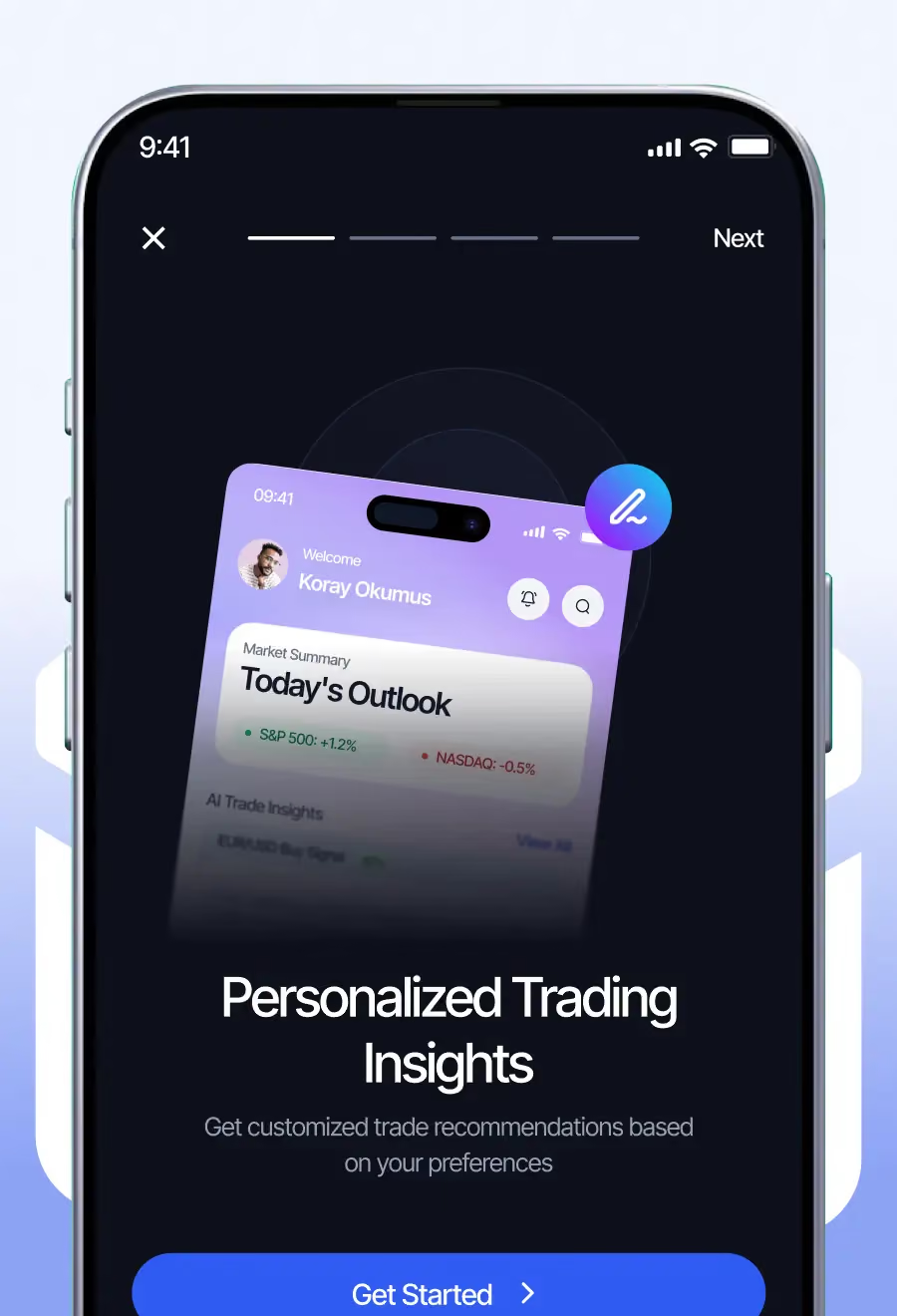
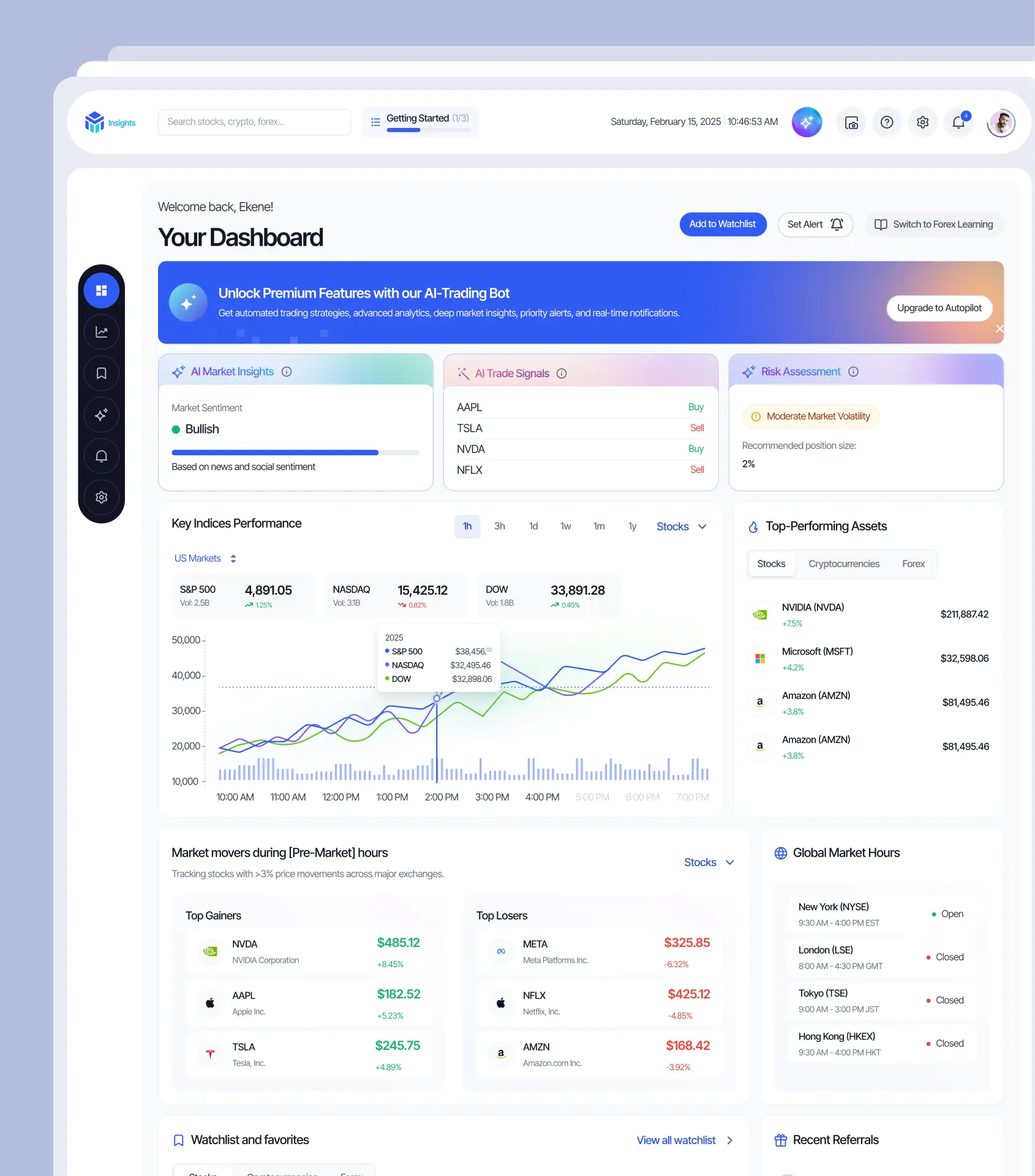
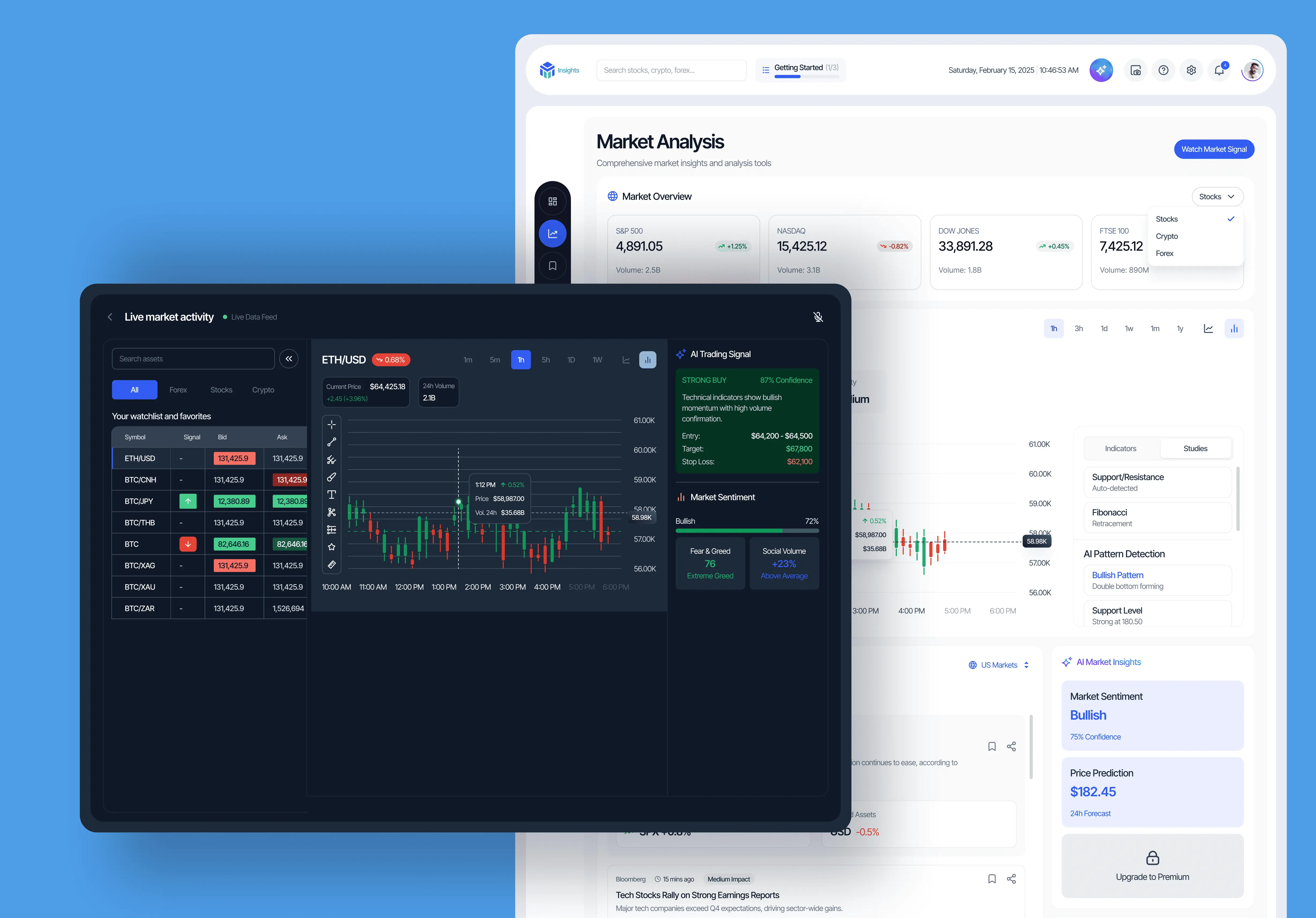
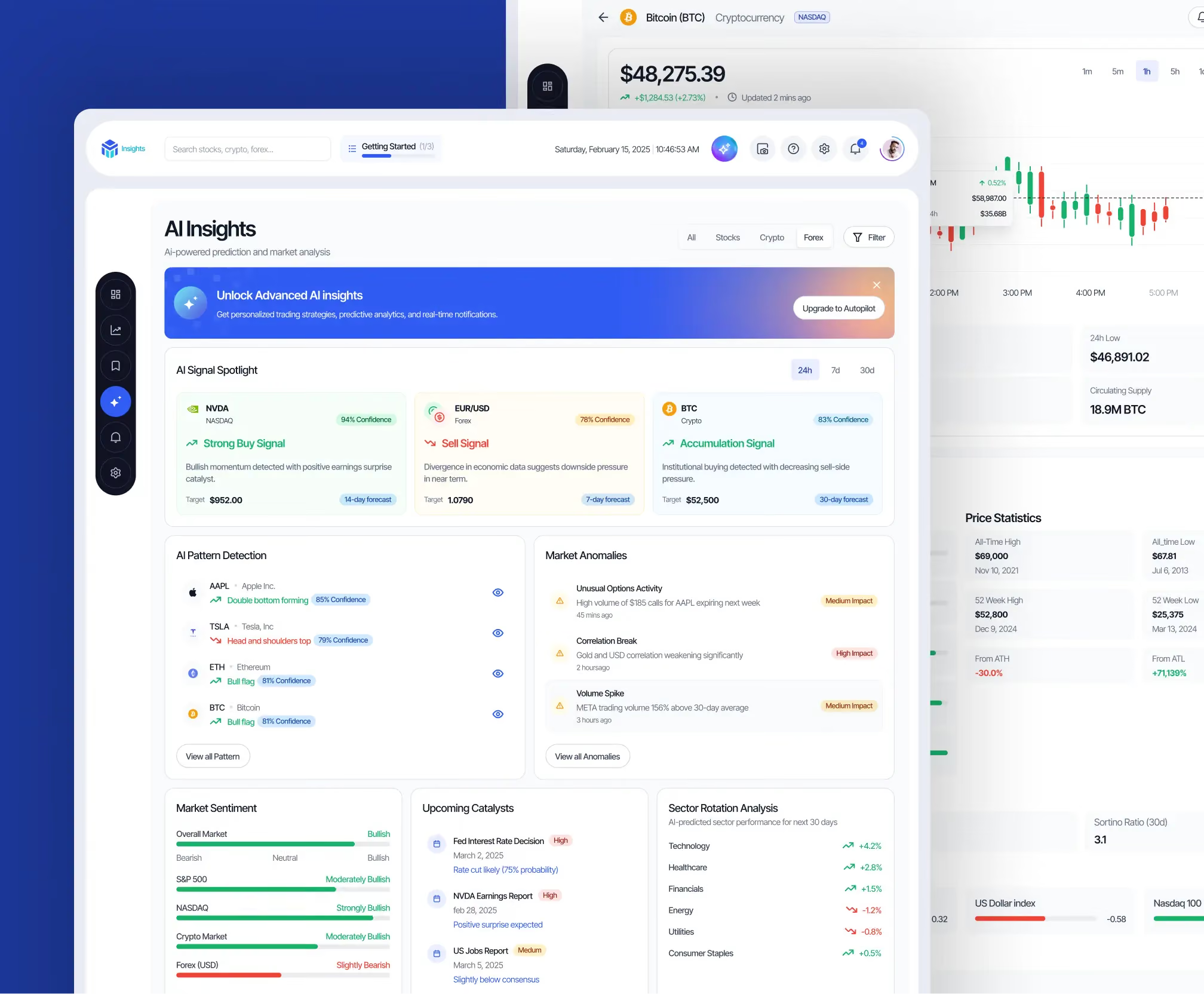
The main dashboard shows live market analysis alongside AI confidence scores. No hiding behind "trust us" — every signal shows why it exists, what the AI sees, and how certain it is.

Learning integration

‍

Education that meets you where you are

‍

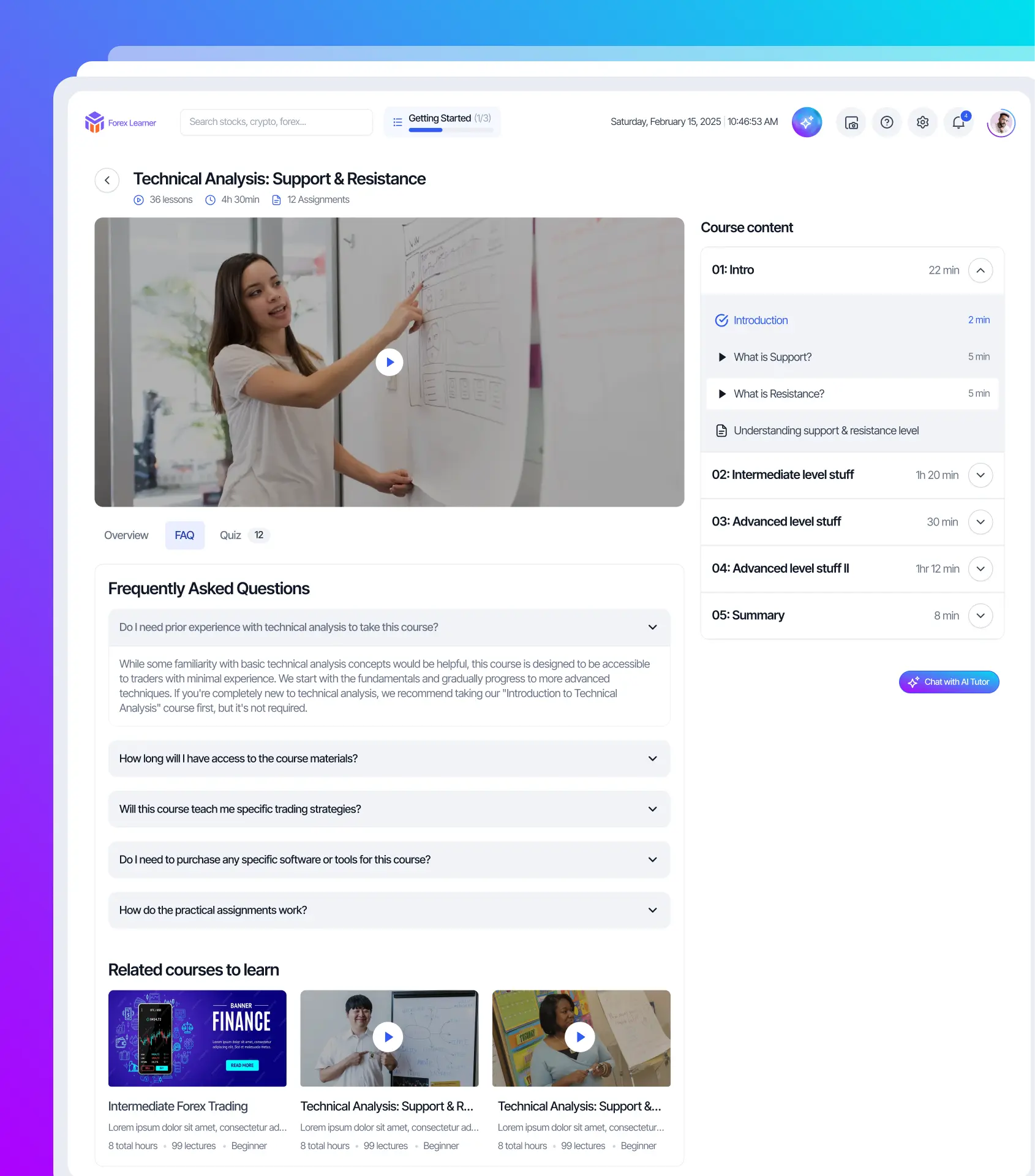
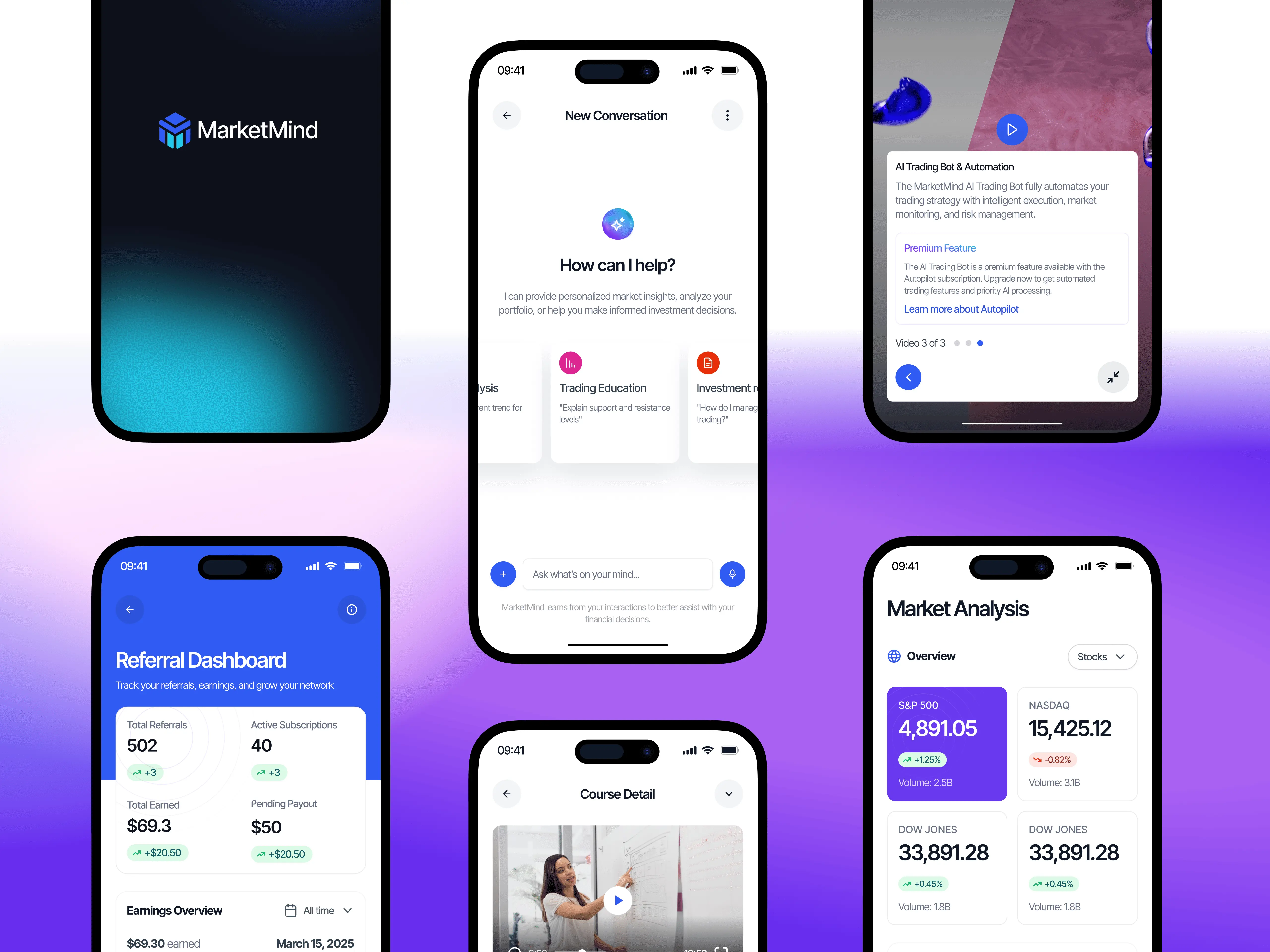
MarketMind offers two learning paths: a dedicated learning module with structured courses, simulations, and progress tracking — plus an AI chatbot that lives inside the trading interface. Need a formal education? There's a full curriculum. Just need a quick explanation mid-trade? Ask the chatbot.

MarketMind AI trading app featured screen 2
MarketMind AI trading app featured screen 3

Trading simulation

‍

Practice without the risk

‍

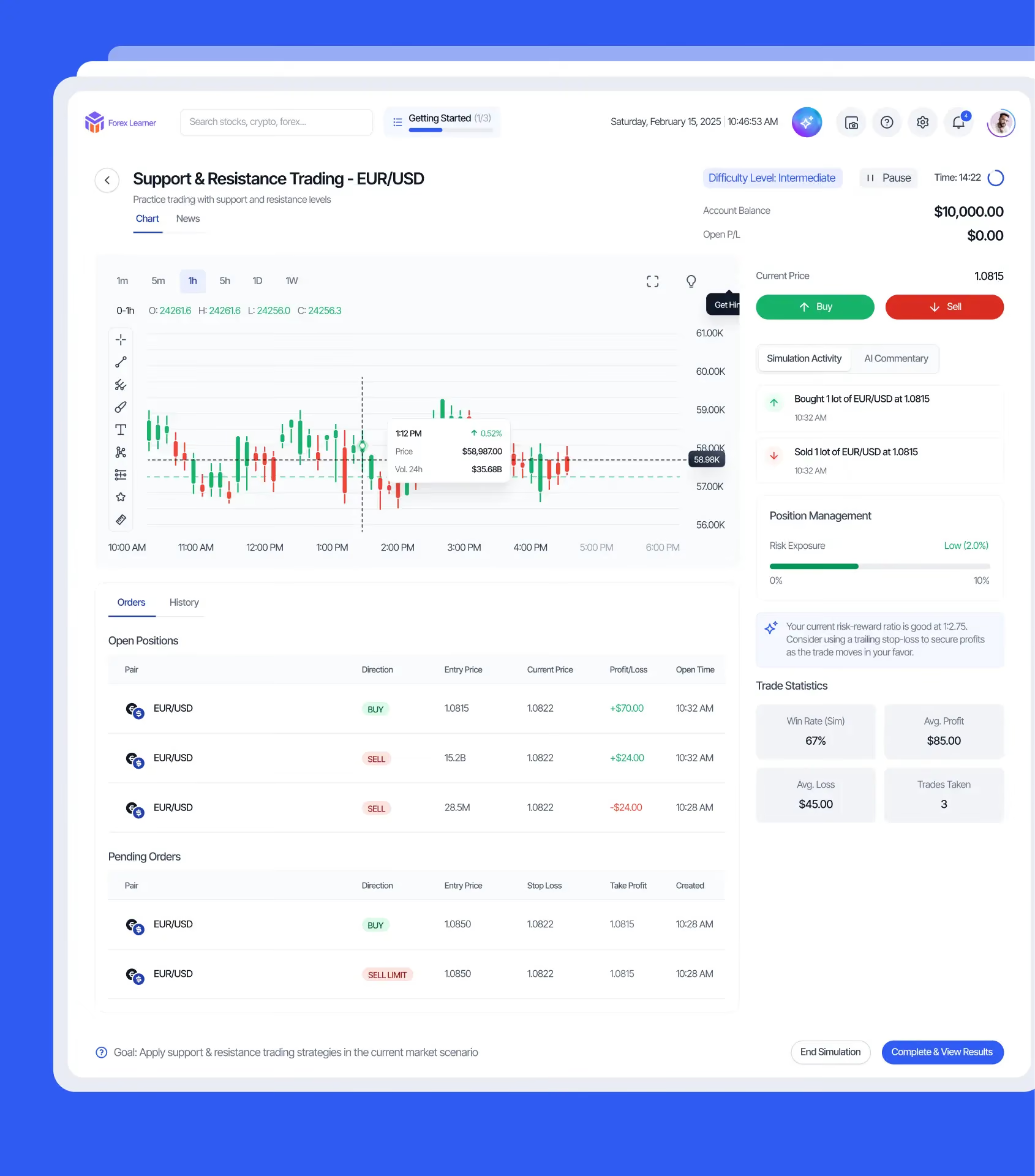
Created a risk-free simulation environment where users can test strategies with real market data before committing real money. The AI provides feedback on every decision; what went well, what could improve, where the strategy breaks down. Users learn by doing, not just reading.

04/ Making smart trading understandable

Final thoughts & what I'd explore next

‍

Designing for AI trading isn't about making it look smart — it's about making it understandable.

MarketMind's experience is built on a simple principle: sophisticated tools don't need to feel complicated. They just need to show their work. When users understand why the AI recommends a trade, they can make better decisions about whether to take it.

‍

With more time, I'd explore:

  • Deeper onboarding that teaches trading concepts through doing, not just reading
  • More granular control over AI parameters for advanced users
  • Enhanced visualization of risk exposure across portfolios
  • Community features where users can share strategies and learn from each other
  • VR-based trading simulations mentioned in the roadmap

The goal was never to replace traders with AI. It was to give traders an AI partner they could actually understand.

MarketMind AI trading app results overview
MarketMind AI trading app additional screen
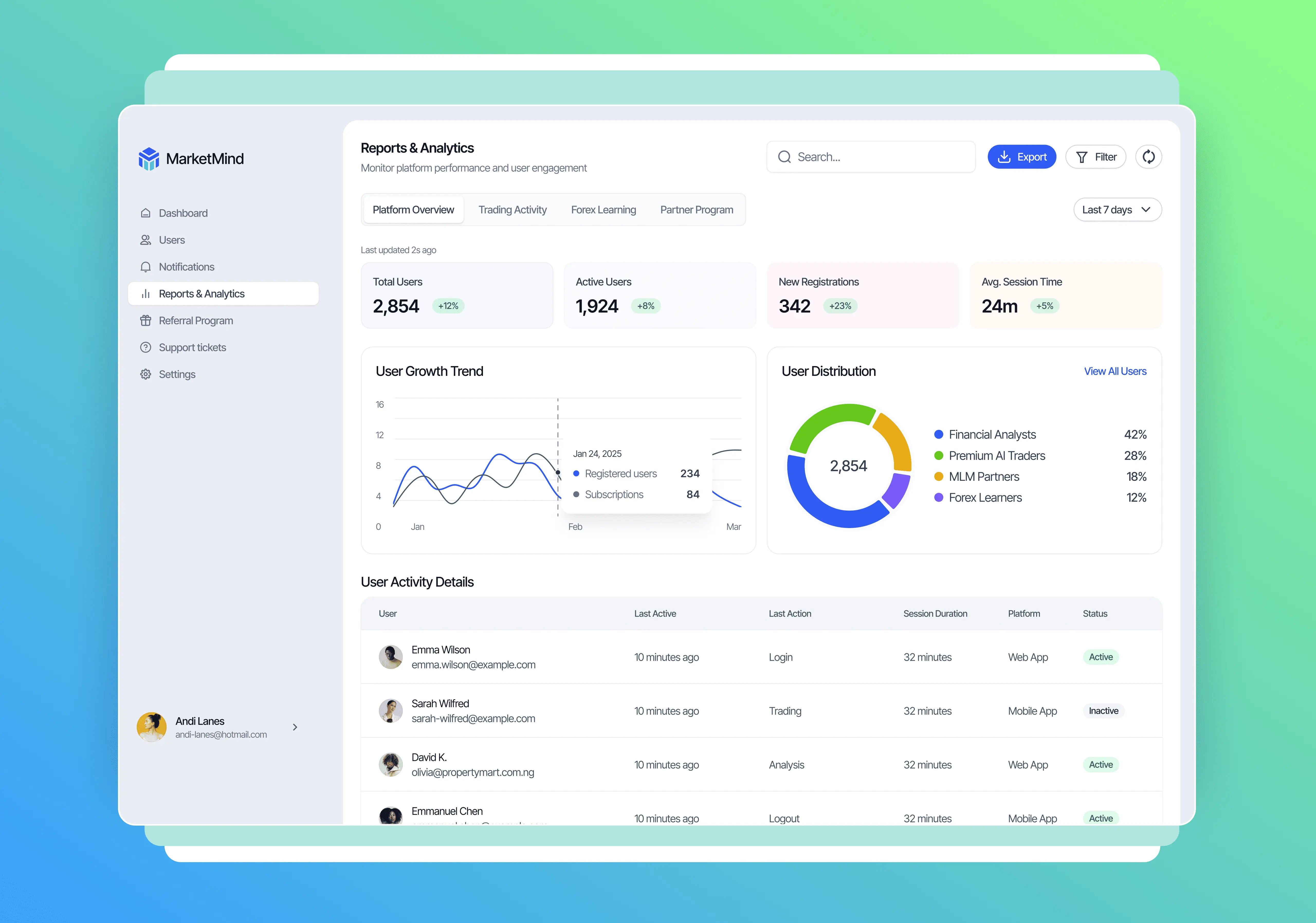
MarketMind AI trading app reports screen
MarketMind AI trading app mobile screen
MarketMind AI trading app mobile view

Next project

HR Management System
Web App · Webflow Build

An in-house HR Management System for AFEX, replacing costly third-party software with a comprehensive, tailored and cost-effective solution.

Joswell Ledger; Replacing a spreadsheet that lost sales
Product Design · AI Product Engineering · PWA

A family run store outgrew its Google Sheet the day a formula quietly stopped counting sales. Joswell Ledger replaced it with role based sales recording, approvals and one source of truth the whole team can trust.

Case study coming soon
Joswell Ledger desktop dashboard shown with the mobile Home and Approvals screens